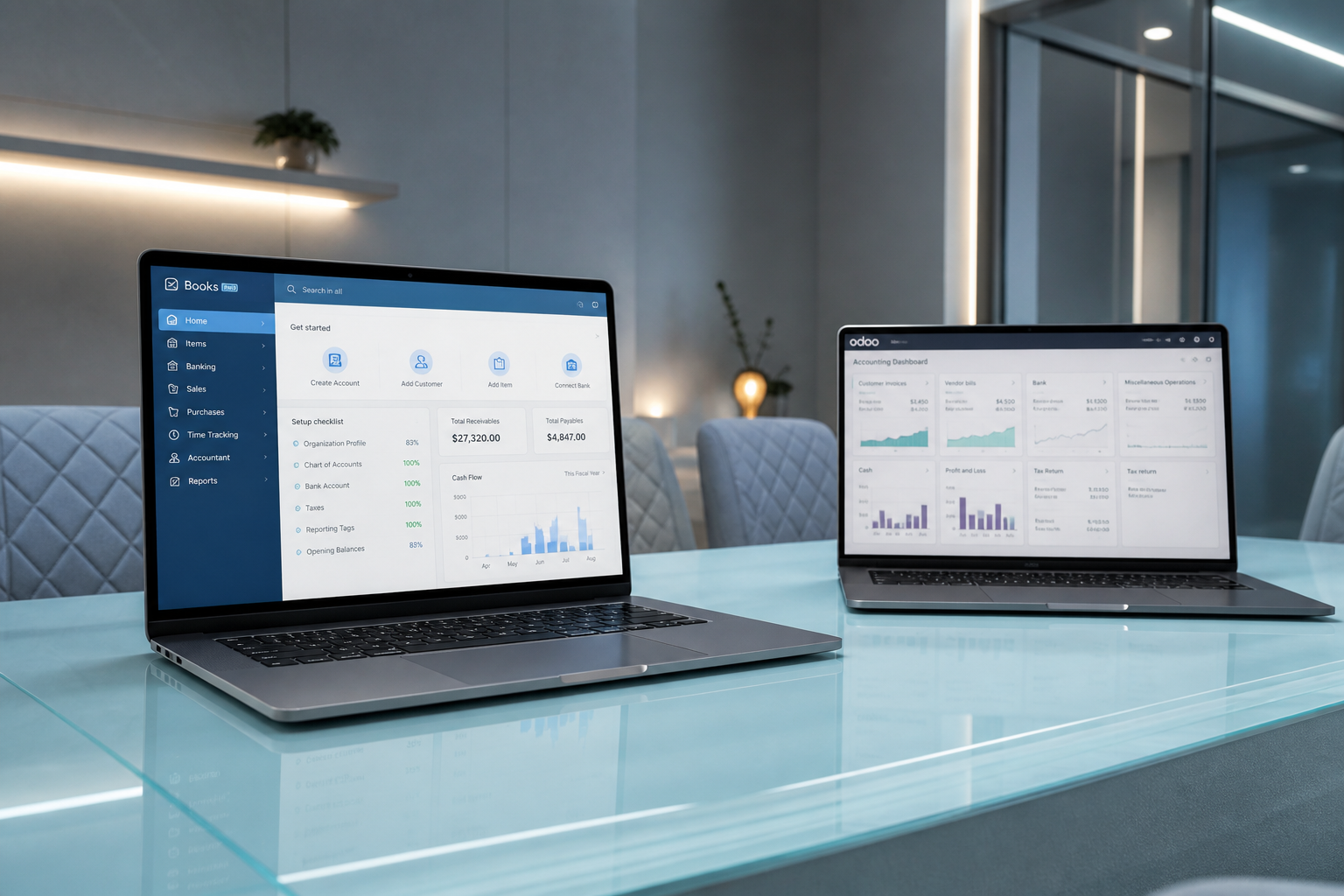
Unclear scope
Uncertainty about what must move, archive, or rebuild.

Odoo Services Migrate from QuickBooks to Odoo
Structured migration from QuickBooks to Odoo — protect historical clarity while moving to a fuller ERP platform.

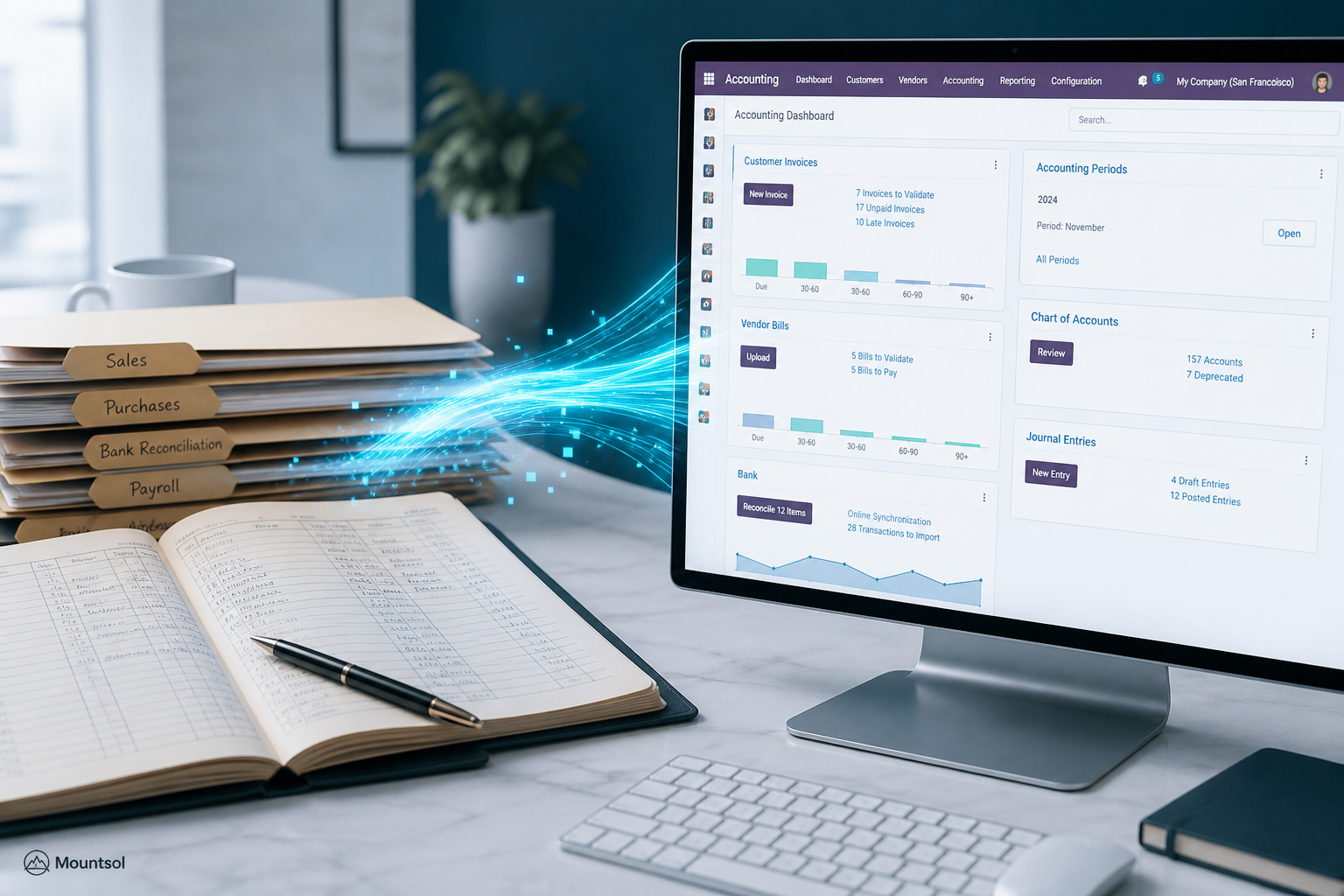
Migration
Structured migration from QuickBooks to Odoo — protect historical clarity while moving to a fuller ERP platform.
We plan data migration, chart mapping, and cutover so finance teams land on Odoo with confidence.
Challenges
Uncertainty about what must move, archive, or rebuild.
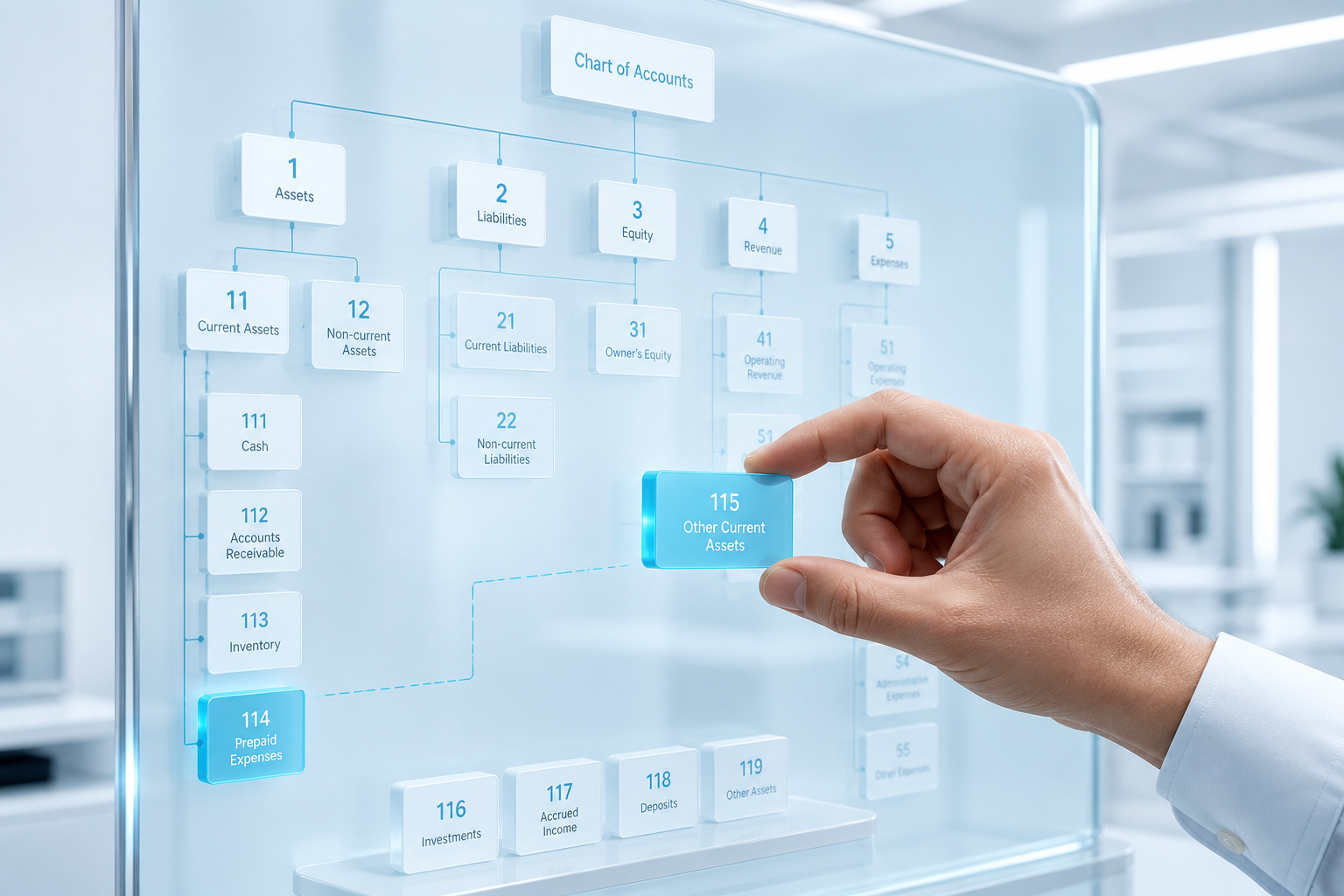
Accounts and reporting expectations that do not map 1:1.
Switching without staged validation and parallel checks.
Finance teams landing on Odoo without training for the first close.
Migration
We plan data migration, chart mapping, and cutover so finance teams land on Odoo with confidence — with post-migration Care through the first close cycles.

Migration capabilities
Assessment, chart mapping, cutover planning, parallel checks, training, and Care.
Understand what must move, archive, or rebuild.
Align accounts and reporting expectations.
Reduce risk with staged validation.
Training for finance and ops on day one.
Reconcile before you fully switch.
Support through the first close cycles.
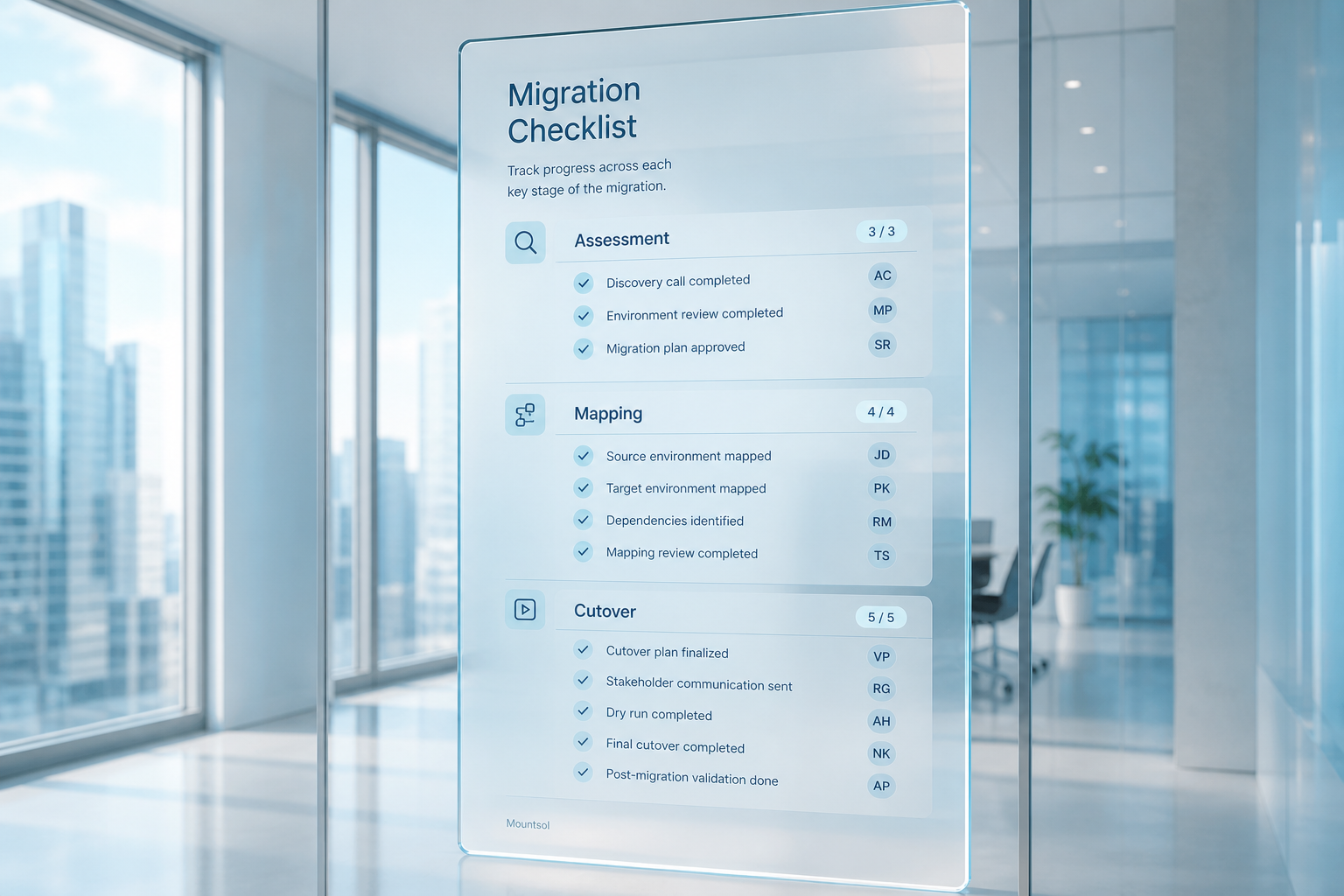
Migration path
Each step reduces risk before you fully switch.
Understand what must move, archive, or rebuild.
Align accounts and reporting expectations.
Clean and stage data for migration.
Reduce risk with staged validation.
Reconcile before you fully switch.
Support through the first close cycles.
Process
Review QuickBooks usage, reports, and migration goals.
Chart and data mapping with finance stakeholders.
Staged loads with validation checkpoints.
Finance and ops readiness for day one.
Cutover support and first-close coverage.
Outcomes
Clarity about what must move, archive, or rebuild.
Accounts and reporting expectations mapped before cutover.
Staged validation and parallel checks before you fully switch.
Support through the first close cycles on Odoo.
FAQ
Yes. Mountsol plans structured migration with preparation, validation, and testing so historical clarity is protected where it matters.
Post-migration Care is part of the approach — support through the first close cycles while finance teams settle into Odoo.
User readiness is part of the migration path — training for finance and ops on day one.
Next step
Book a short consultation — we will map the right Odoo path for your operations.
Talk to an Odoo Expert